Bali Airport WiFi and SIM Card Purchase: A Practical Guide
By the siappergi.com team · Published · 6 min read · Baca dalam Bahasa Indonesia
Bali airport WiFi and SIM card purchase is one of the first things most arrivals want to sort out, and it is easier than many travellers expect. This guide explains where to get connected at Ngurah Rai Airport (DPS), what to bring, what to check before you pay, and how a working phone helps when your rental vehicle is waiting outside.
Why connectivity matters on arrival
When you land at Ngurah Rai Airport, you will usually need your phone for three things straight away: messaging your driver or rental contact, opening maps to reach your hotel or villa, and checking your booking details. A working data connection makes all three simple.
The airport offers free WiFi in the terminal, but it is best treated as a backup. Connection speed changes with crowds, it is not always reliable outside the main halls, and you will still need a stable plan once you leave the building.
If you are arriving with a pre-booked scooter or car, the handover is planned around your landing time. A reliable connection lets you confirm your flight details, share your exact meeting point and respond quickly if the schedule shifts, which is far less stressful than hunting for signal in a busy car park.
Your options at Bali airport
There are three practical ways to get online after you land:
- Free terminal WiFi for short messages and checking your booking.
- A local SIM card bought from a telecom counter in the arrivals area or a nearby shop.
- An eSIM or international roaming from your home provider, if your phone supports it.
For most visitors staying more than a few days, a local SIM gives the best combination of speed and cost. A roaming plan is convenient for a short trip but often costs more per gigabyte, so compare the daily roaming charge with a local package before you decide.
Buying a SIM card: step by step
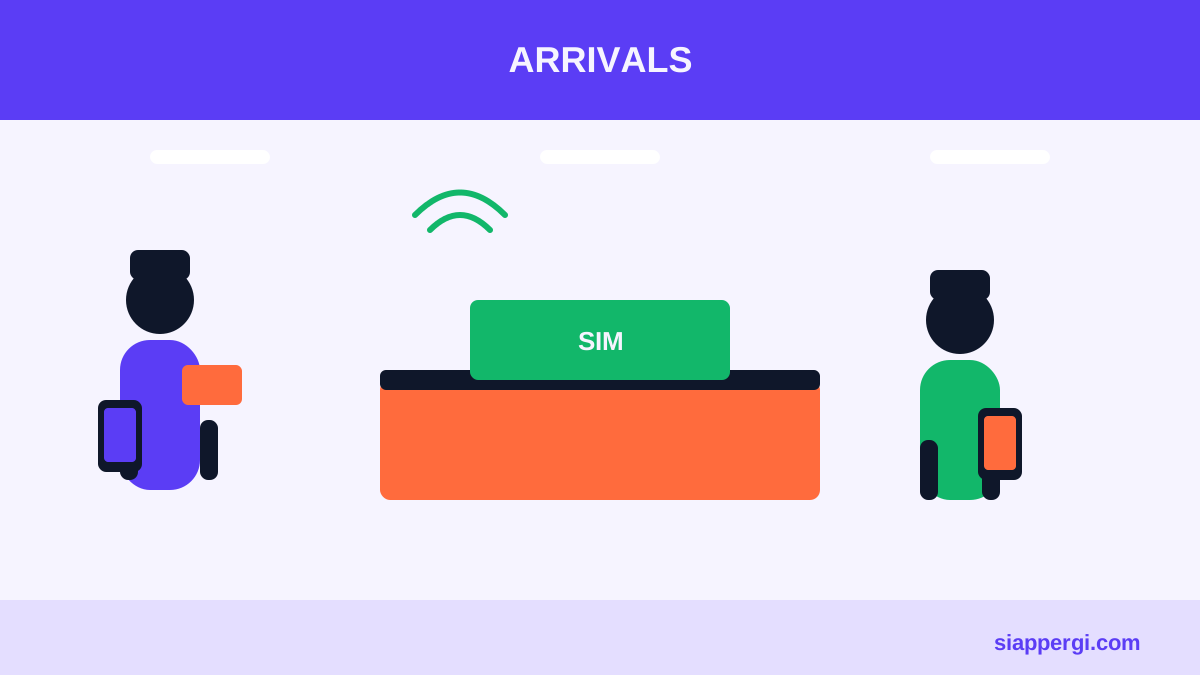
- Bring your passport. Telecom shops need your passport to register a SIM card. Keep it handy during the purchase.
- Check your phone is unlocked. A locked phone may not accept a local SIM. Ask your carrier before you travel if you are unsure.
- Choose a data package. Ask the staff for a plan that matches your needs, for example a few gigabytes for a week or more data for a longer stay.
- Ask the staff to set it up. Most counters will insert the SIM, register it, and confirm that data works before you leave the counter.
- Test before you walk away. Open a map and send a message while the staff member is still there.
Prices and plan names change often. Check the current packages with the provider at the counter, and treat any figures you see online as a rough guide only.
What to check before you pay
- Data allowance and validity period. Know how many gigabytes you get and how many days it lasts.
- Whether calls and SMS are included. Data-only plans are common and usually enough for WhatsApp and maps.
- Registration status. Make sure the SIM is activated before you leave the counter.
- Hotspot permission. Some cheaper packages restrict tethering, which matters if you need to share data with a laptop.
- Coverage in your destination. Signal is generally good across Bali's main towns, but ask the staff to confirm the network you are buying will work where you plan to ride or drive.
Practical tips for arriving and getting to your vehicle
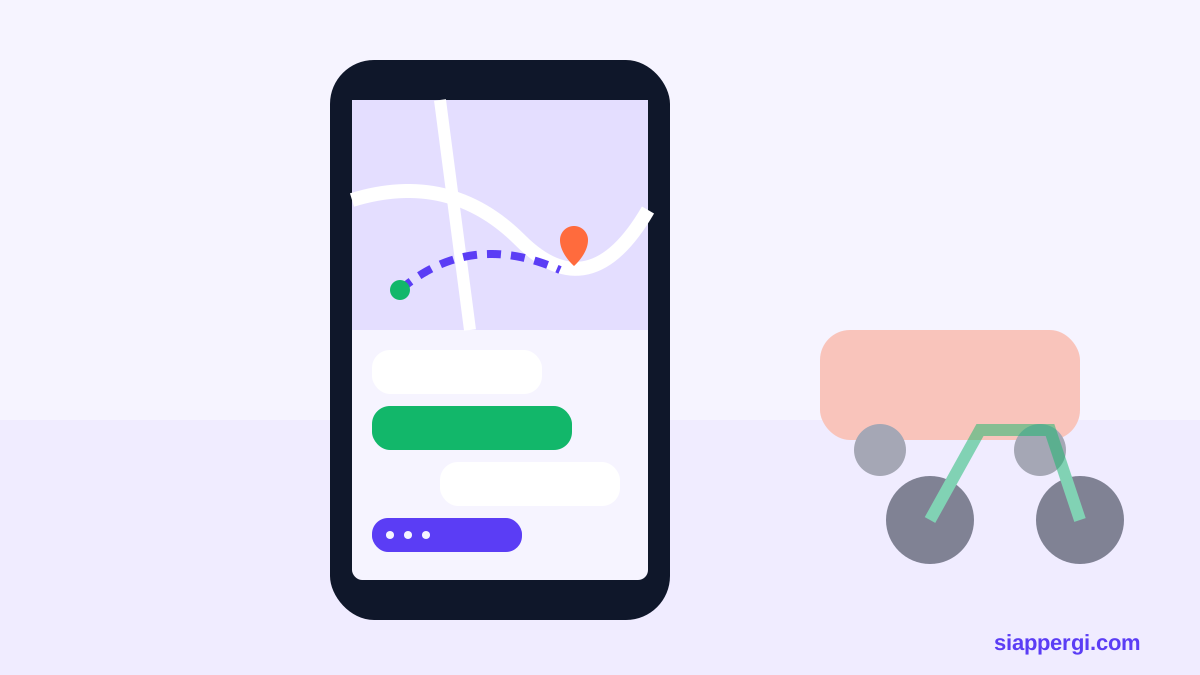
If you have pre-booked a scooter or car, your phone is your link to the handover. Save the contact number in advance, then message when you land. Good preparation looks like this:
- Save the contact numbers before you travel.
- Send your arrival time and flight number when you are on the plane or as soon as you land.
- Keep your licence and passport together so they are easy to show at handover.
- Have your hotel or villa address saved in offline maps in case the signal drops.
- Keep a small amount of rupiah in cash for incidentals, while remembering that the rental itself is paid in Indonesian Rupiah when the vehicle arrives.
WiFi and SIM options compared
| Option | Best for | Things to watch |
|---|---|---|
| Free terminal WiFi | Quick messages, checking bookings | Limited speed, not reliable outside the terminal |
| Local SIM card | Stays of several days or more | Needs passport and an unlocked phone |
| eSIM or roaming | Short trips, convenience | Often costs more per gigabyte |
In practice, many visitors combine these: they use terminal WiFi while waiting for a flight, then switch to a local SIM once they reach their accommodation and start planning routes.
Legal and rules notes
Regulations about SIM registration, roaming and data services in Indonesia can change, and enforcement rules are set by the telecom providers and the relevant authorities. Check the current requirements with your provider or the official Indonesian telecommunications sources before you travel. Your home carrier can also explain roaming and eSIM support for your phone model.
The same caution applies to your travel paperwork. Visa rules, immigration procedures and driving licence requirements are decided by the national immigration office and the traffic police, and they can change. Confirm the current position with official sources before you rely on any of it.
How SiapPergi helps you get on the road
Once you are connected, SiapPergi can bring your vehicle to you. Scooter and car rental in Bali includes free delivery and pick-up to Ngurah Rai Airport, Kuta, Legian and Seminyak, so you do not need to find a counter in a busy car park. Catalogue prices start from Rp70.000 per day for scooters and Rp310.000 per day for cars, with 2 helmets included with every scooter. Regular scooters and cars need no deposit, your passport is not held, and you pay in Indonesian Rupiah when the vehicle arrives.
Book on WhatsApp in English or Indonesian at +6281808001102 or +6281808001811, every day from 07.00 to 23.00 WITA. Tell the team your arrival flight, dates and hotel or villa, and they will plan the handover around your landing time. Booking happens on WhatsApp or through the site, and there is no online payment, so you settle the rental in person.
For scooter options, see scooter rental at Bali airport, or compare car rental at Bali airport. If you are arriving by air and want a full view of routes and areas, start at how to book.
Quick checklist before you leave the airport
- Phone connected with data or a working eSIM
- Maps offline or saved for your hotel
- Passport and driving licence ready
- Vehicle handover confirmed by WhatsApp
- Rupiah ready for payment on arrival
Frequently asked questions
Do I need a passport to buy a SIM card? Yes, telecom counters normally ask for your passport to register the SIM.
Is airport WiFi enough for a week? Usually not. Free WiFi is useful for short tasks, but a local data plan is more practical for maps and messaging over several days.
Can I buy a SIM card after I leave the airport? Yes, telecom shops are common across Bali, but buying at the airport is convenient when you arrive.
With a SIM card sorted, you are ready to explore the island. Use scooter rental in Bali or car rental in Bali to choose the vehicle that suits your plans, and check guides for more travel advice.
Ready to rent a scooter or car?
Fixed catalogue prices, delivered to your hotel or villa. Book on WhatsApp and pay when the vehicle arrives.
This guide follows the SiapPergi editorial policy: facts are checked, market prices are given as ranges and mistakes are corrected.